

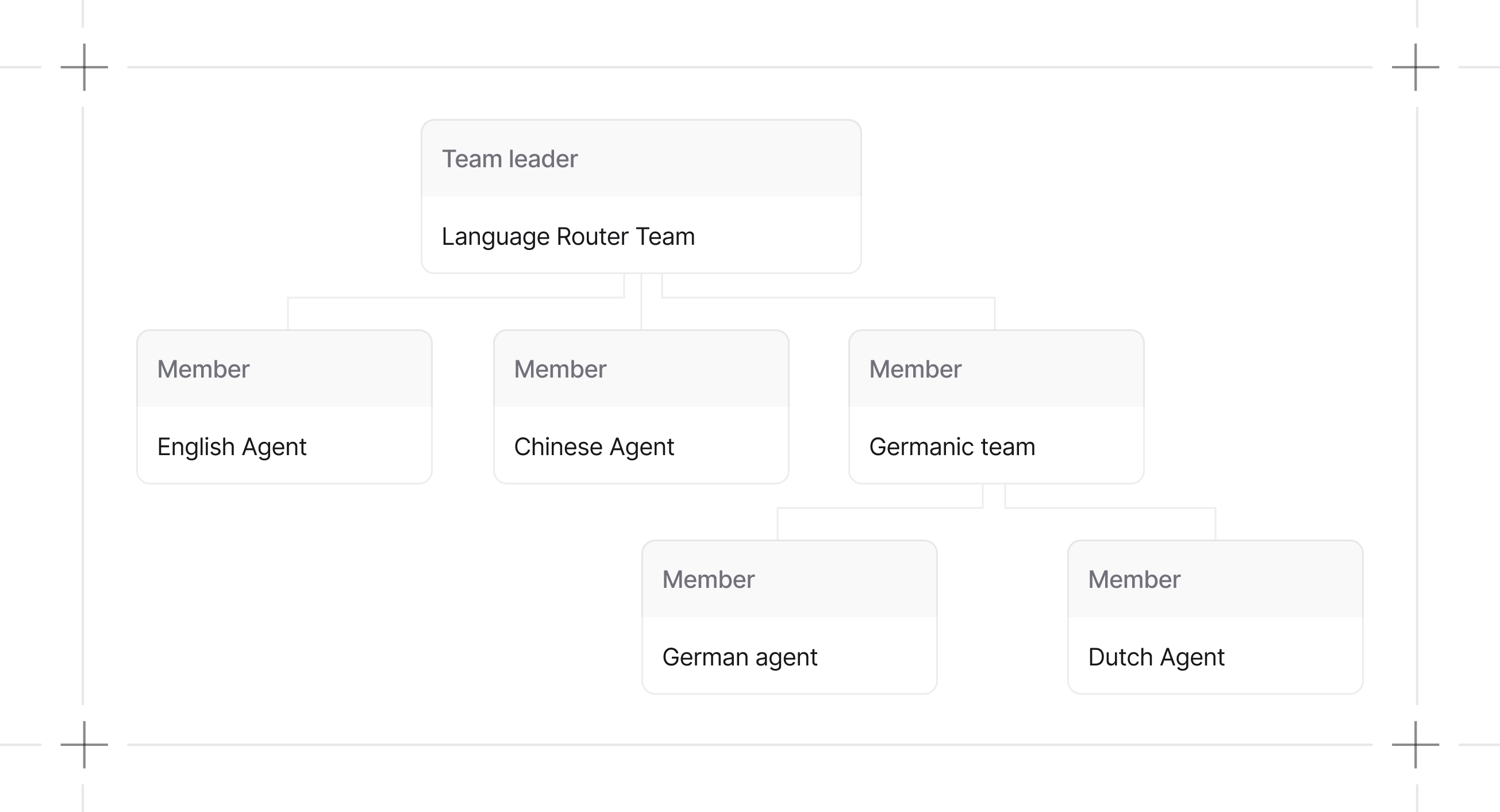
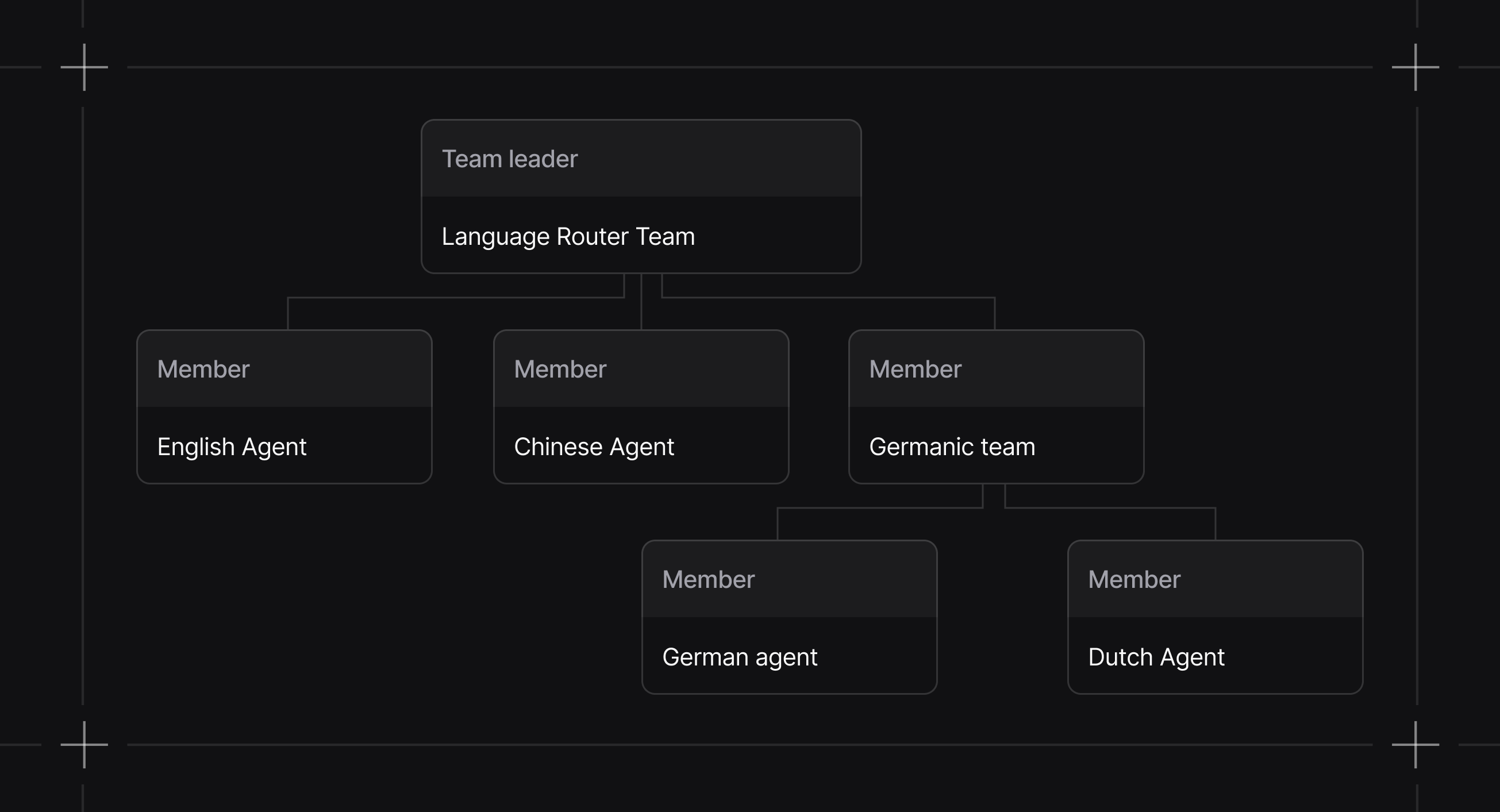
Why Teams?
Single agents hit limits fast. Context windows fill up, decision-making gets muddy, debugging becomes impossible. Teams distribute work across specialized agents:| Benefit | Description |
|---|---|
| Specialization | Each agent masters one domain instead of being mediocre at everything |
| Parallel processing | Multiple agents work simultaneously on independent subtasks |
| Maintainability | When something breaks, you know exactly which agent to fix |
| Scalability | Add capabilities by adding agents, not rewriting everything |
When to Use Teams
Use a team when:- A task requires multiple specialized agents with different tools or expertise
- A single agent’s context window gets exceeded
- You want each agent focused on a narrow scope
- The task fits one domain of expertise
- Minimizing token costs matters
- You’re not sure yet (start simple, add agents when you hit limits)
What’s New?
Team execution is modular. Message building, session handling, storage, and background managers are separated into dedicated components so coordination logic can evolve without changing the Team API. Additional Team 2.0 updates include approvals for human-in-the-loop workflows, cron-based scheduling for teams, improved HITL requirements, and LearningMachine support for persistent learning.Team Modes
Team 2.0 introducesTeamMode to make collaboration styles explicit. Prefer mode= instead of toggling respond_directly or delegate_to_all_members directly.
| Mode | Configuration | Use case |
|---|---|---|
| Coordinate | mode=TeamMode.coordinate (default) | Decompose work, delegate to members, synthesize results |
| Route | mode=TeamMode.route | Route to a single specialist and return their response directly |
| Broadcast | mode=TeamMode.broadcast | Delegate the same task to all members and synthesize |
| Tasks | mode=TeamMode.tasks | Manage a shared task list and loop until the goal is complete |
Guides
Build Teams
Define members, roles, and structure.
Run Teams
Execute teams and handle responses.
Debug Teams
Inspect and troubleshoot team behavior.